Viewing a booking
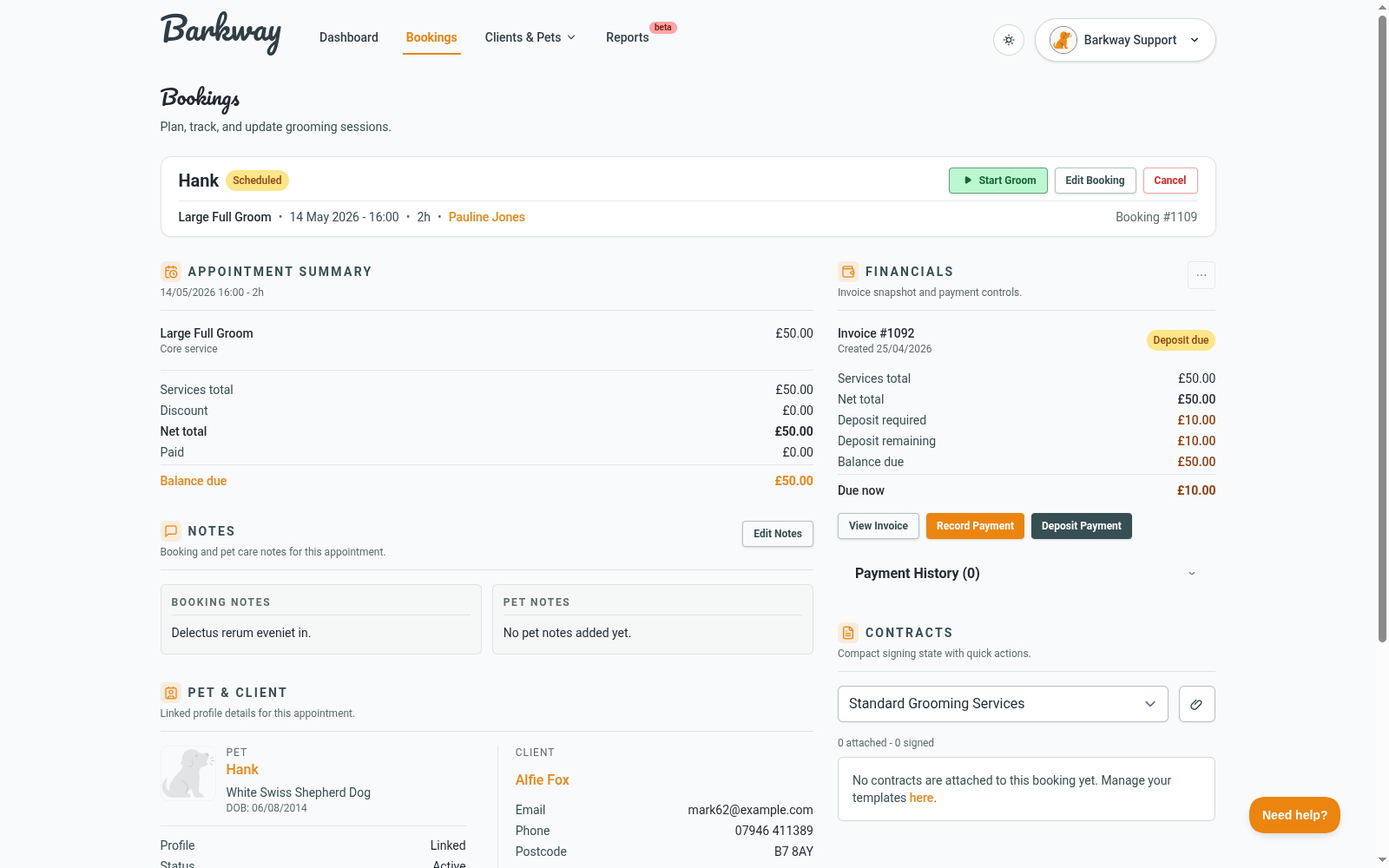
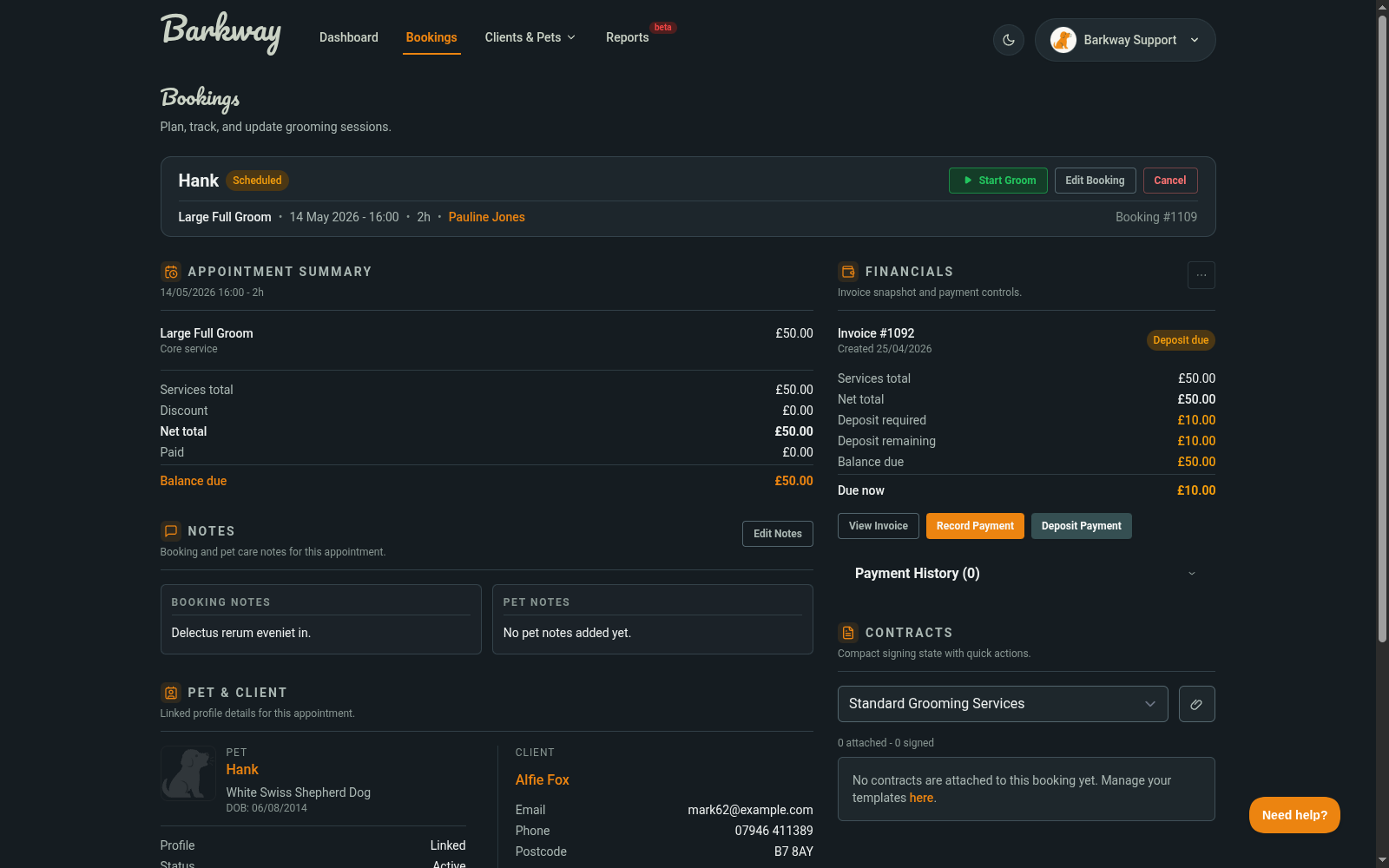
The View Booking page is your command centre for each appointment. From here you can see all the details in one place, start and complete the groom, manage notes, and handle invoices.
What’s on this page?
-
Booking details
Status, scheduled time, duration, and assigned groomer. -
Pet and client info
Photo, breeds, temperament, medical info, and contact details. -
Notes
- Pet Notes stay with the pet for future bookings.
- Booking Notes are just for this appointment.
-
Photos
Upload before/after shots and keep a visual history. -
Invoice and payments
See totals, record payments, and download the invoice PDF.
What do the status buttons do?
- Start Groom → sets the booking to In progress and records the start time.
- Mark Complete → sets the booking to Completed, records the finish time, and updates the pet’s last groomed date.
- Cancel → marks the booking as Cancelled and removes any pending reminder emails.
Completing a booking does not automatically lock it. The booking only becomes locked when the invoice is Paid and money has actually been applied.
What happens to the invoice?
- An invoice already exists for every booking.
- If you edit the booking, Barkway creates a new invoice and moves payments across.
- You can share the public invoice link or download the PDF from here.
Photos
The Photos panel lets you upload and manage images tied to the booking - like a visual portfolio for each groom.
- Upload photos from your computer, phone, or tablet.
- Browse thumbnails and click to view full size.
- Set a booking photo as the pet’s profile image.
Use this for before-and-after shots, coat condition tracking, or just showing off a great cut.
Pro tips
- Always check Pet Notes before starting - they carry forward across bookings.
- Use Booking Notes for one-offs (like “owner collecting early”).
- Paid booking and need to fix details? Refund or adjust the payment first, then edit.
🐾 With the View Booking screen, you’ve got everything you need in one place - from start to finish, Barkway keeps the whole process smooth.