Generating invoices

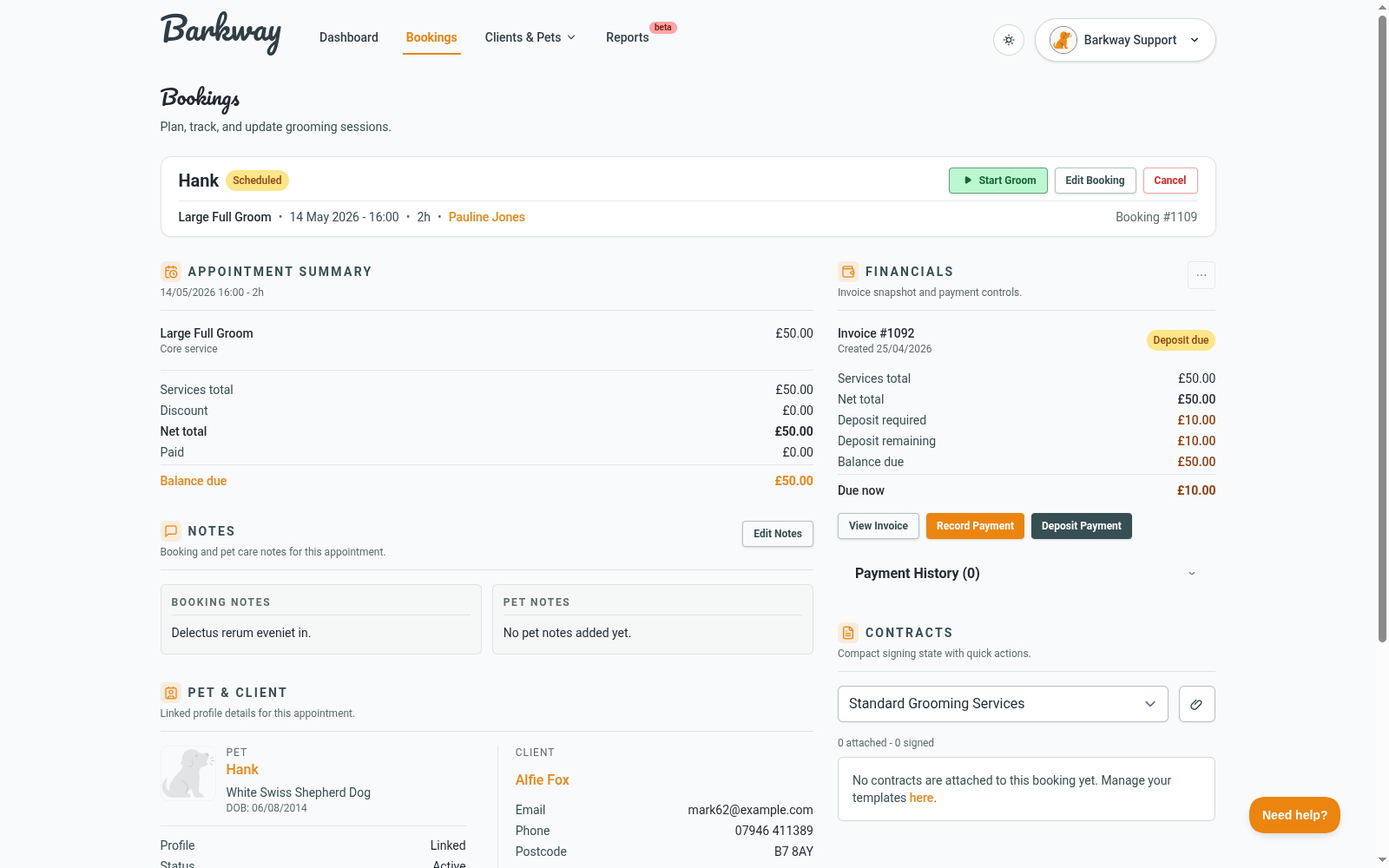
Barkway creates and keeps invoices in sync with your bookings. You always get a public link and a PDF you can share anywhere.


When are invoices created?

  • On booking save - Barkway creates an invoice when you save a booking.
  • On booking edit - Barkway creates a new invoice and moves payments across.

Regenerating an invoice

You can regenerate an invoice from View Booking if the invoice is not paid:

  1. Open the booking.
  2. In the Invoice panel, click Regenerate Invoice.
  3. Confirm the action.

Barkway will:

  • Create a new invoice with the latest details.
  • Move any payments and client balance credits to the new invoice.
  • Mark the old invoice as cancelled (for history).
  • Generate a new public link.
tip

If you already sent a link, send the updated one after regenerating.


Sharing invoices

  • Each invoice has a public view and a Download PDF option.
  • Share the link anywhere - email, WhatsApp, or text.
  • Barkway does not auto-send unpaid invoices.
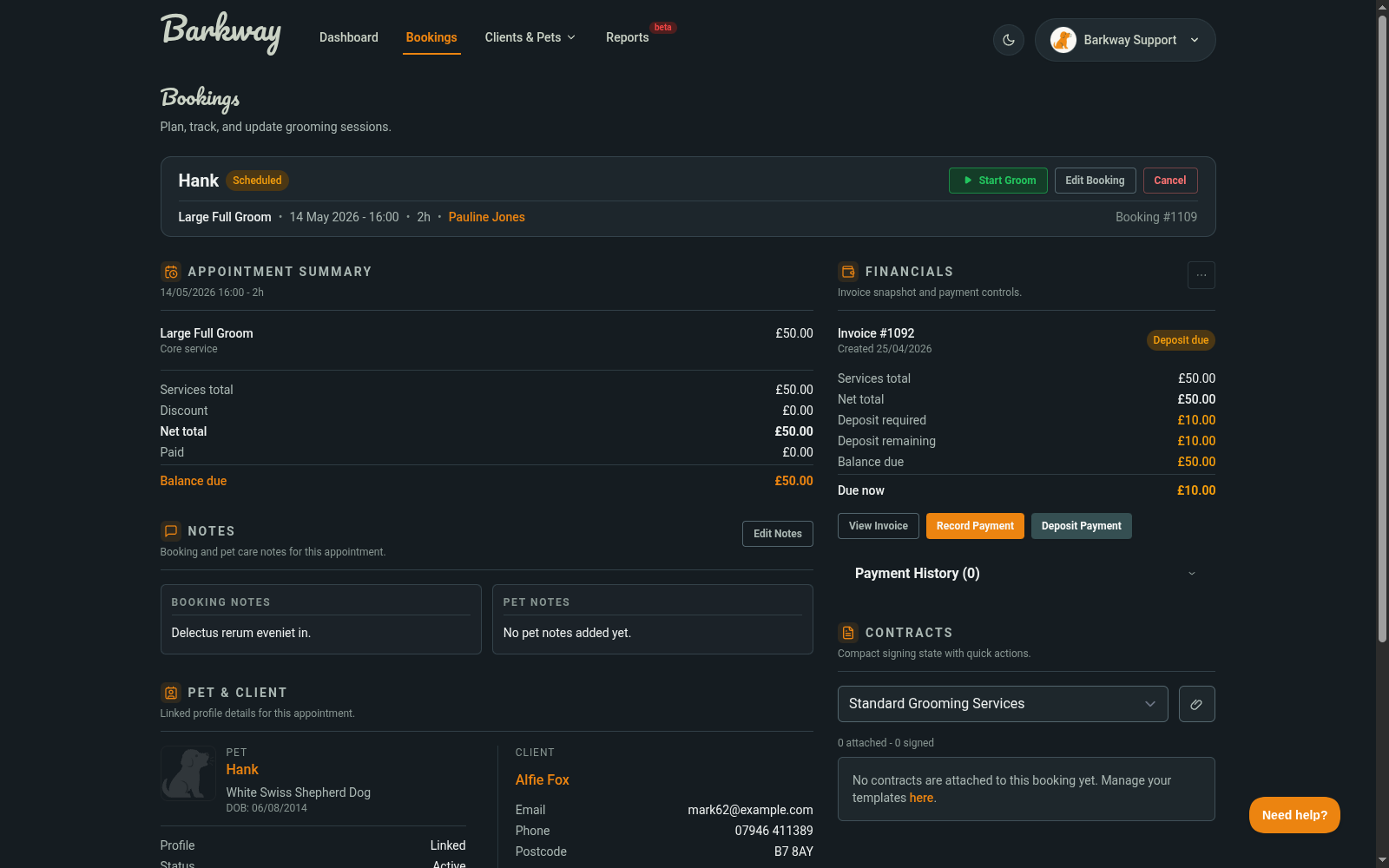
Invoice screen showing totals and actionsInvoice screen showing totals and actions

Paying invoices

  • Record payments from the booking screen (cash, bank transfer, card, or other).
  • Barkway updates the invoice status automatically.
note

Card payments are not processed inside Barkway yet. You can still record card payments manually.


FAQs

Can I create an invoice before a booking is completed?
Yes. Barkway creates the invoice when you save the booking.

Does the link stay the same?
If you regenerate, the link changes. Otherwise it stays the same.

Where do the business details come from?
From Settings - logo, business name, address, and contact details.


🐾 Clean, branded invoices in seconds - no faff, just a link you can share anywhere.