Reports
Reports help you see how the business is doing without digging through every booking one by one.
What’s in Reports
- Overview: headline numbers and quick invoice follow-up signals.
- Revenue: compare revenue received with upcoming booked value.
- Bookings: monitor booking volume, status mix, and recurring service performance.
- Invoices: use the workbench to chase unpaid, part-paid, or overdue invoices.
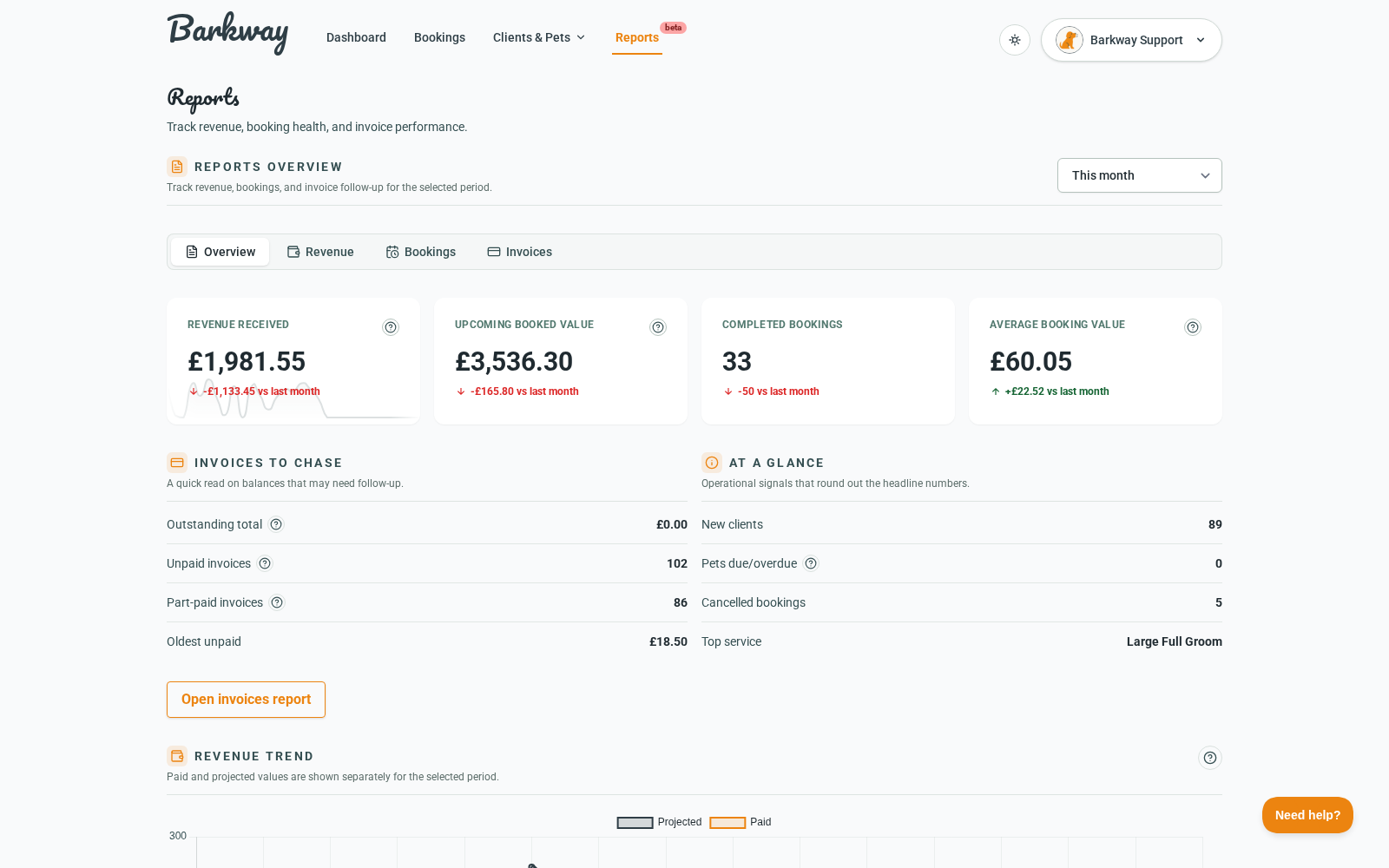
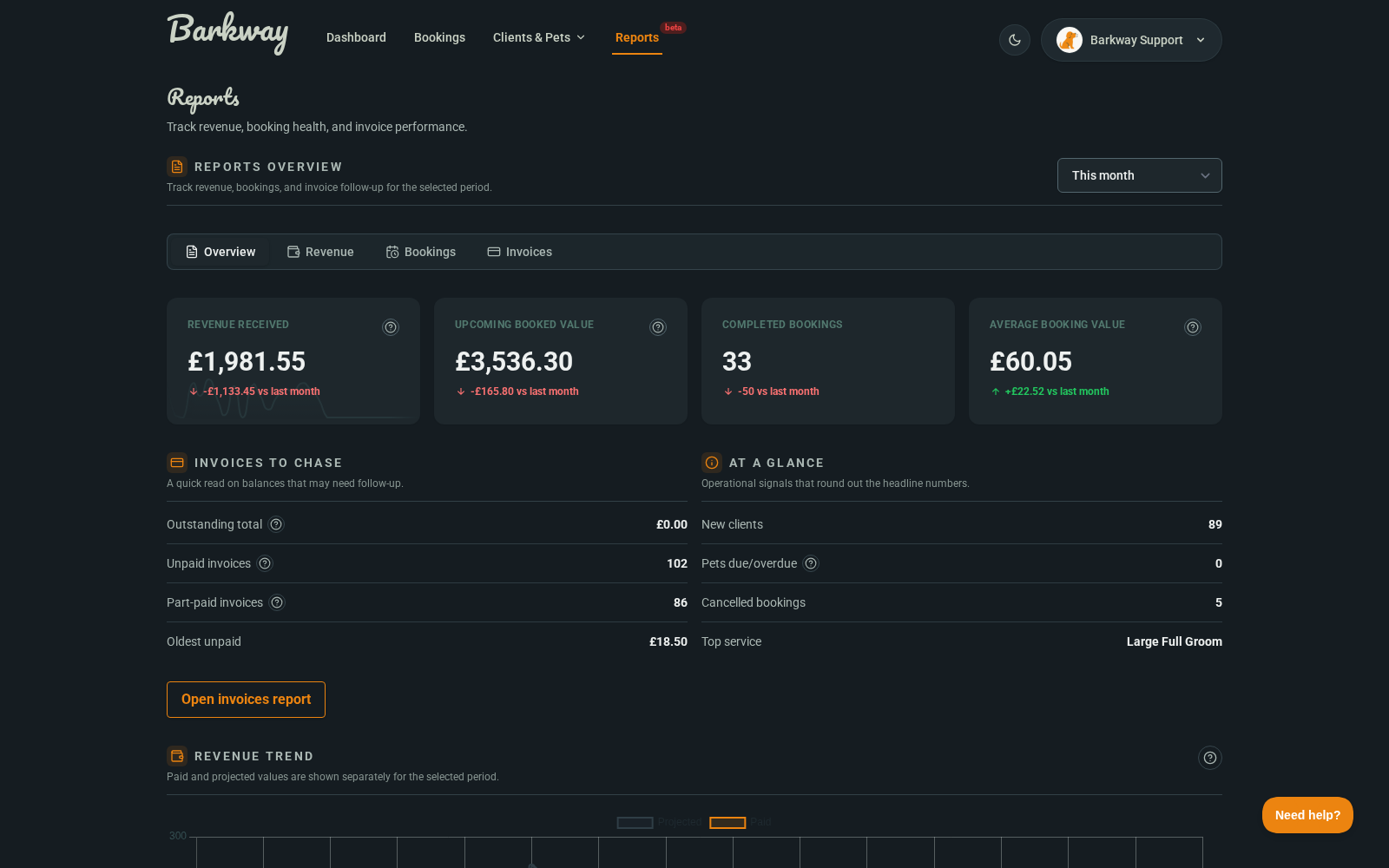
Date range
All reports use the same date-range picker:
- Today
- This week
- This month
- Last month
- Last 3 months
- This year
note
Reports are currently available to admin and superuser roles.
In this section
Reports overview
Read your headline metrics and quick invoice follow-up signals.
Revenue report
Compare revenue received with upcoming booked value across the selected period.
Bookings report
Track booking volume, status mix, and recurring service performance.
Invoices report
Use the invoice workbench to follow up balances and manage payment-chasing priorities.
Related guides
Need a hand?
Email the Barkway team and we’ll point you to the right place.