Reports overview
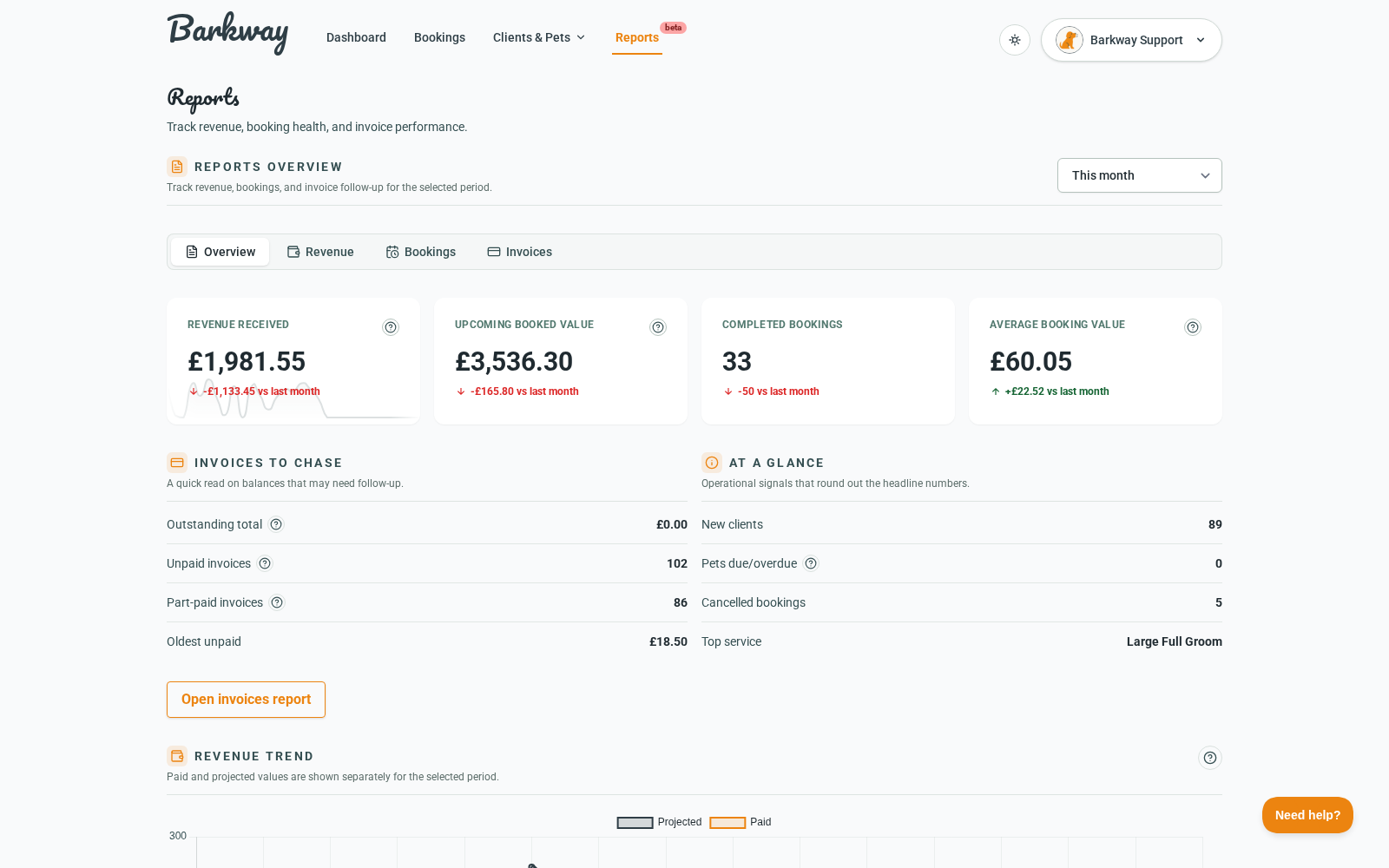
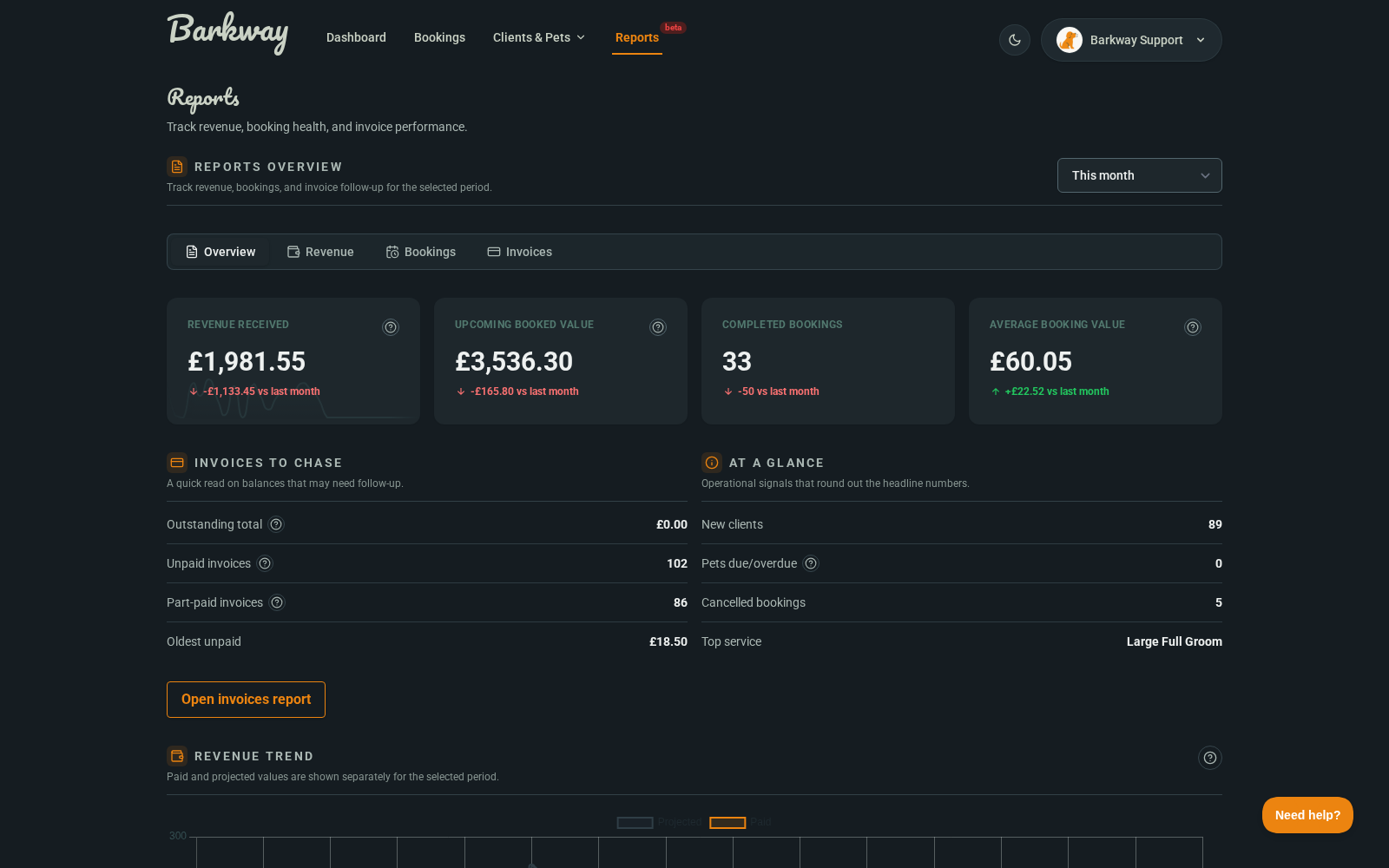
The Overview tab gives you the quickest read on how trading is going and what needs attention.
What it shows
- Revenue received
- Upcoming booked value
- Completed bookings
- Average booking value
- Invoice follow-up signals
- Revenue trend chart
How to use it
- Pick your date range.
- Scan the top cards for the headline direction.
- Check Invoices to chase to spot unpaid pressure quickly.
- Use Open invoices report when you need row-by-row follow-up.
- Check Revenue trend for movement over time.
Good to know
- Revenue received and upcoming booked value are intentionally separate.
- The trend line compares current values with the previous equivalent period.
- The Top service item gives a quick operational signal, not a full service breakdown.
note
Custom date ranges are supported in backend filters, but the current reports UI only shows preset date ranges.
Need a hand?
Email the Barkway team and we’ll point you to the right place.