Settings
Settings is where you shape how Barkway behaves for your business.
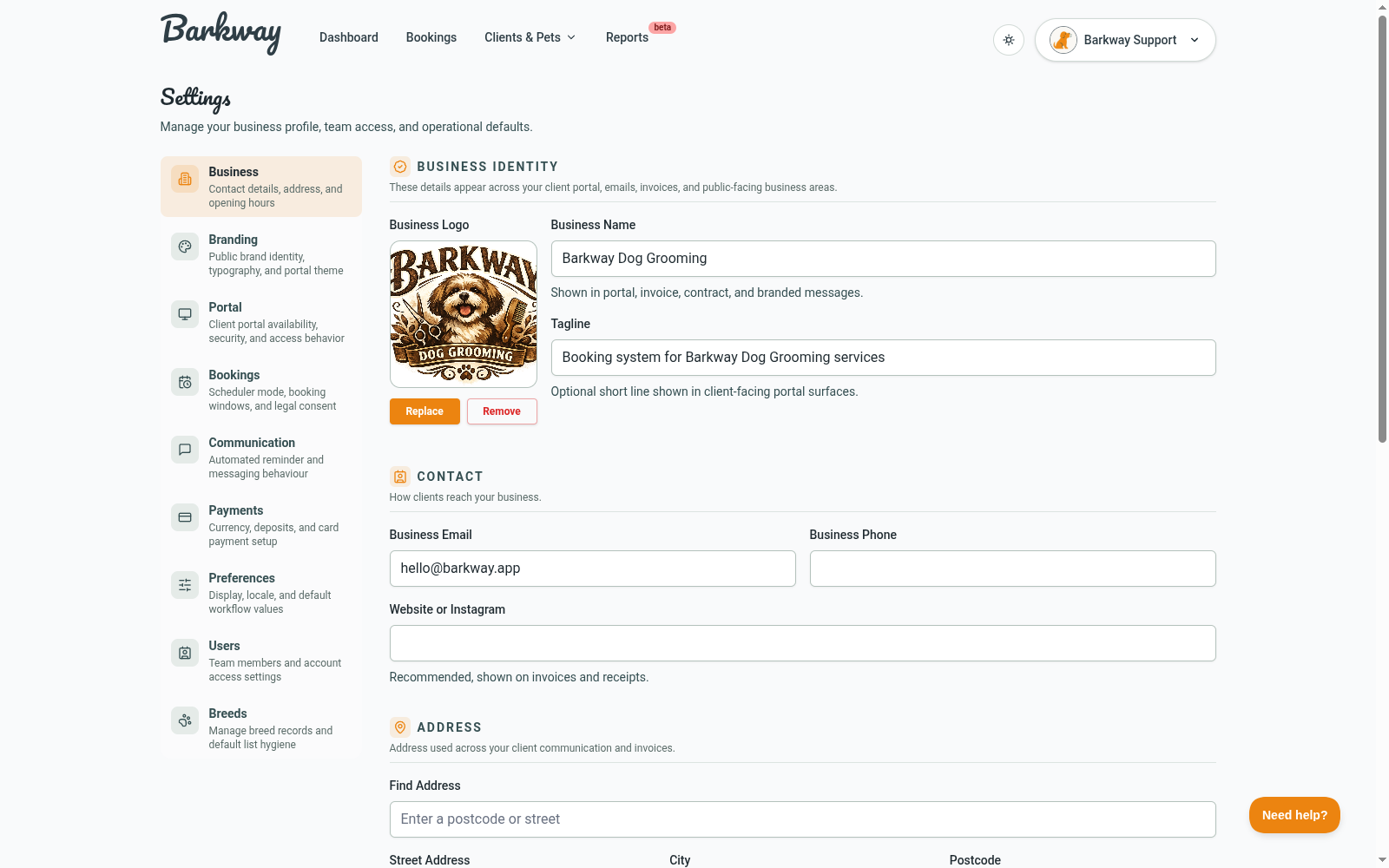
Business
Set your business identity and essentials:
- Name, tagline, logo
- Contact info and address
- Opening hours

Branding
Control brand presentation, including:
- Theme colors
- Light/dark mode allowances
- Heading font and preset choices
Bookings
Tune scheduling behavior and recall defaults:
- Scheduler preferences
- Buffer and timing options
- Recall period controls
Portal
Control client portal behavior:
- Portal on/off
- Magic link expiry timing
- Booking request enablement
- Booking request expiry days
- Disabled title/message content
Communication
Manage automated communication timing:
- Booking reminders and lead time
- Thank-you automation and delay
- Recall reminder automation
Payments
Manage billing-related defaults (for example deposits and business billing preferences) without payment-processing setup guidance in this section.
Preferences
Team-facing preferences like:
- Time/date display
- Timezone
- Form defaults
Users and breeds
- Team user management
- Breed list management
Related guides
Need a hand?
Email the Barkway team and we’ll point you to the right place.