Creating your account
No long sign-up forms here - your Barkway account is created for you during onboarding.
You’ll receive an admin login straight from our team by email, so you can dive in right away. 🐾
What you’ll get
- A welcome email with your login address.
- A password reset link so you can set your own secure password.
Setting your password
- Open the welcome email from Barkway.
- Click the Reset password link.
- Choose a secure password you’ll remember.
- Log in with your new details and you’re good to go.
Logging in later
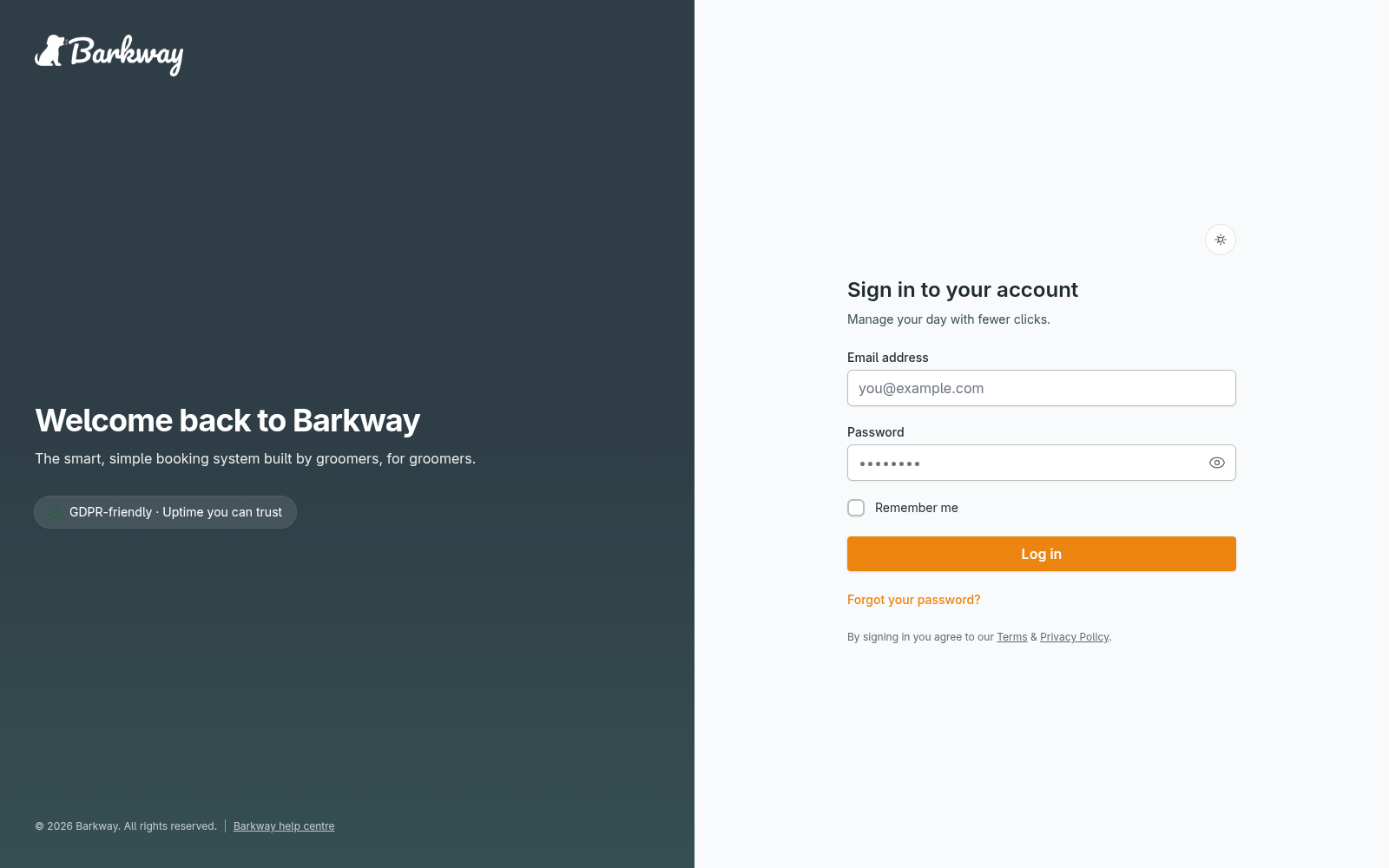
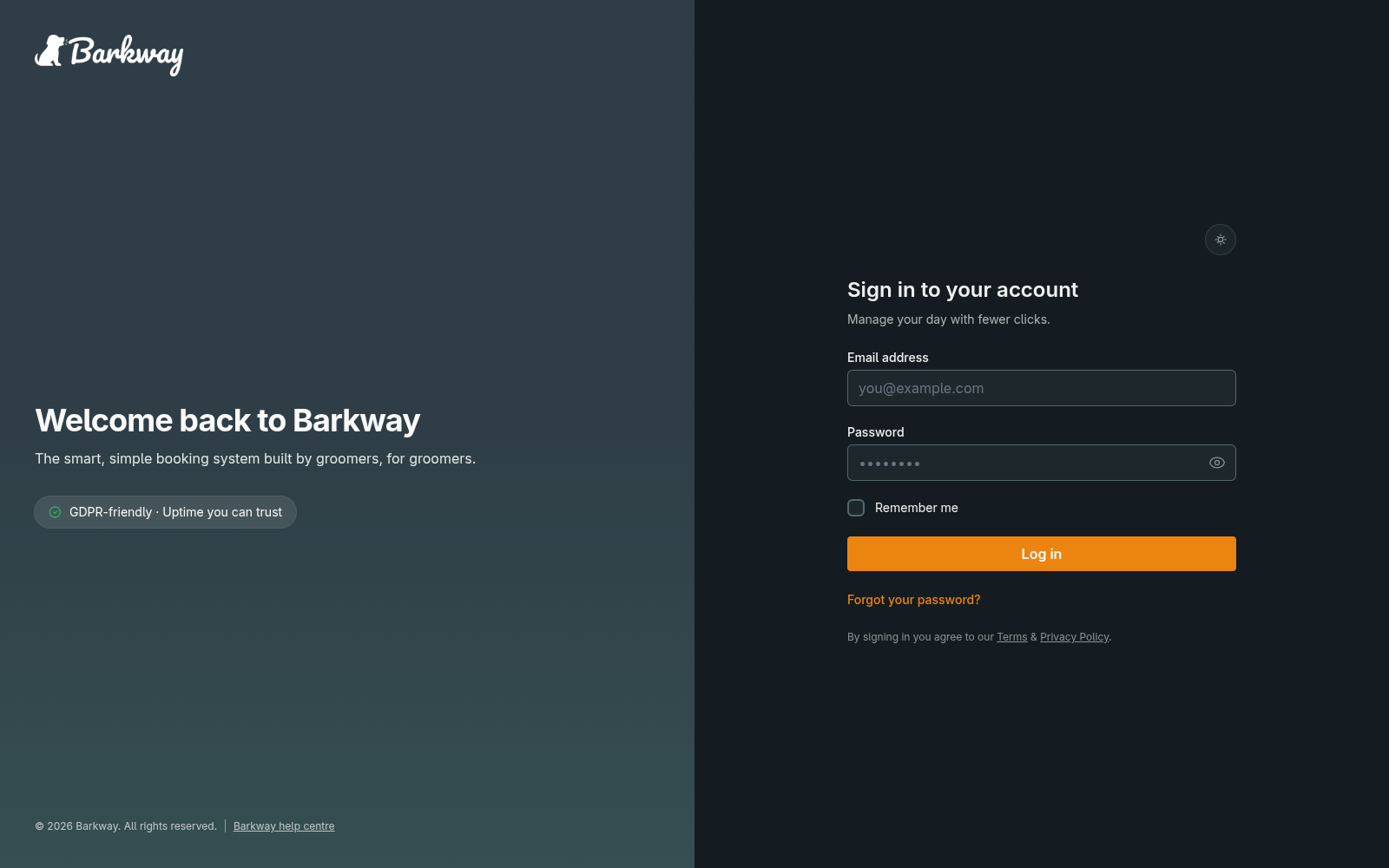
- Use your email and password on the login screen.
- Forgotten it? Just hit Forgot password and follow the link in your email.
Next steps
- Add your first client and pet so you can create a booking.
- Then create your first booking and see the calendar come to life.
If you don’t see the right services yet, jump to Set up your services.
Keep going
Jump to the next guide or browse related features when you’re ready.