Calendar
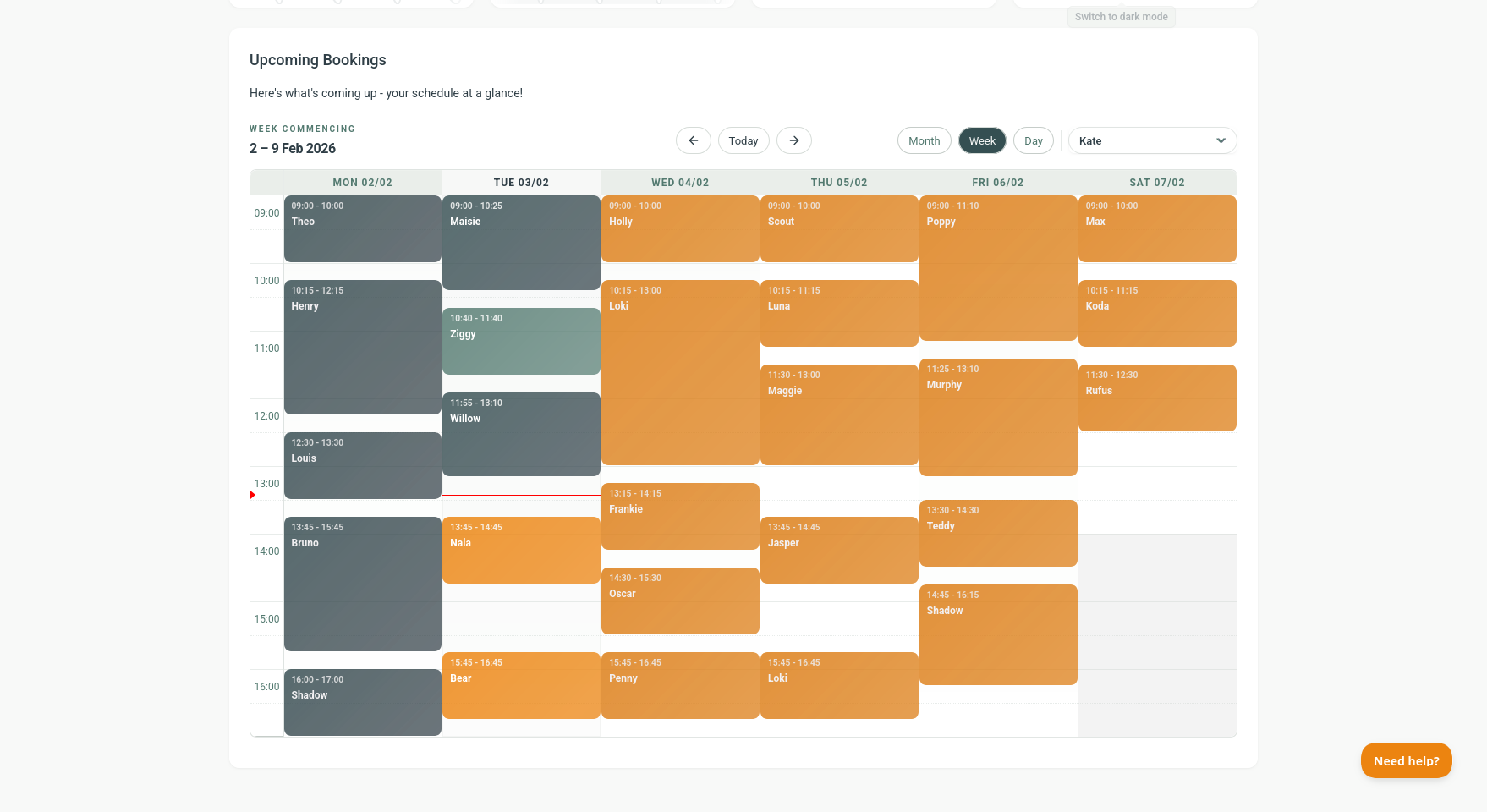
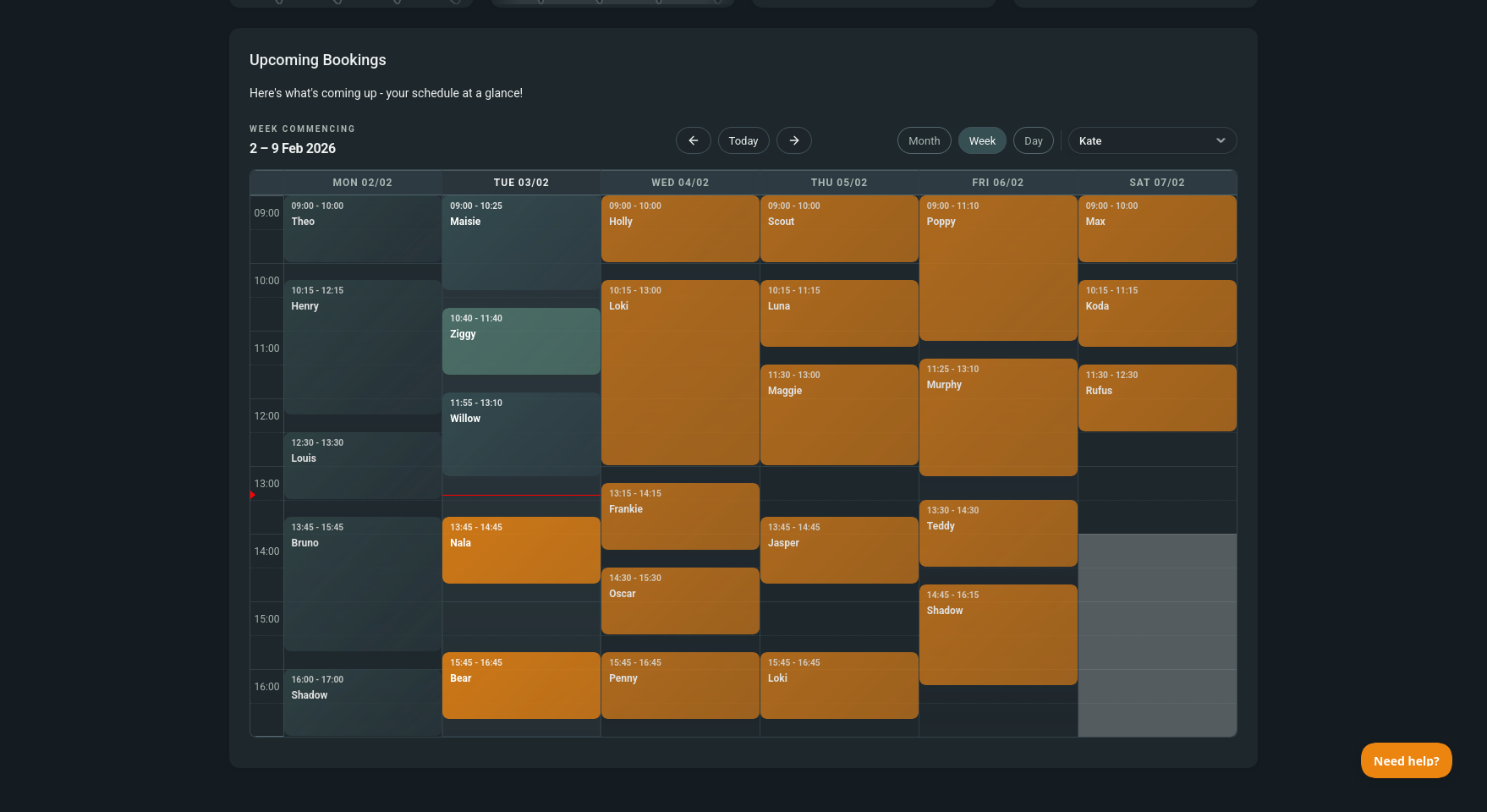
The Calendar gives you a clear picture of your day, week, or month so you can stay on top of grooms without juggling paper diaries or guesswork.
What can I do here?
- Switch views - Month, Week, or Day.
- Filter by groomer - see just your own diary or the whole team (only shows if more than one user).
- Open bookings - click any booking to jump straight to View Booking.
- Read status at a glance - bookings are colour-coded by status.
How does it behave on mobile?
- On mobile, Barkway defaults to Day view to keep things readable.
- You can still switch to Week or Month if you want.
How opening hours affect the calendar
- Hours outside your opening times are visually de-emphasised.
- Closed days are hidden so your calendar stays clean.
Pro tips
- Use Week view for a full diary scan, Day view for packed schedules, and Month for big-picture planning.
- If you have multiple groomers, use the filter to avoid double-booking.
🐾 With the calendar in Barkway, you always know what’s ahead - one glance and you’re back to grooming.
Need a hand?
Email the Barkway team and we’ll point you to the right place.