Booking deposits
A booking deposit is tied to a single appointment. Use it when you need extra booking-level protection - perfect for locking in funds before a service and guarding against no-shows.
How do I record a booking deposit?
- Open Create Booking or Edit Booking.
- Pick a pet and a core service so Barkway can calculate the total.
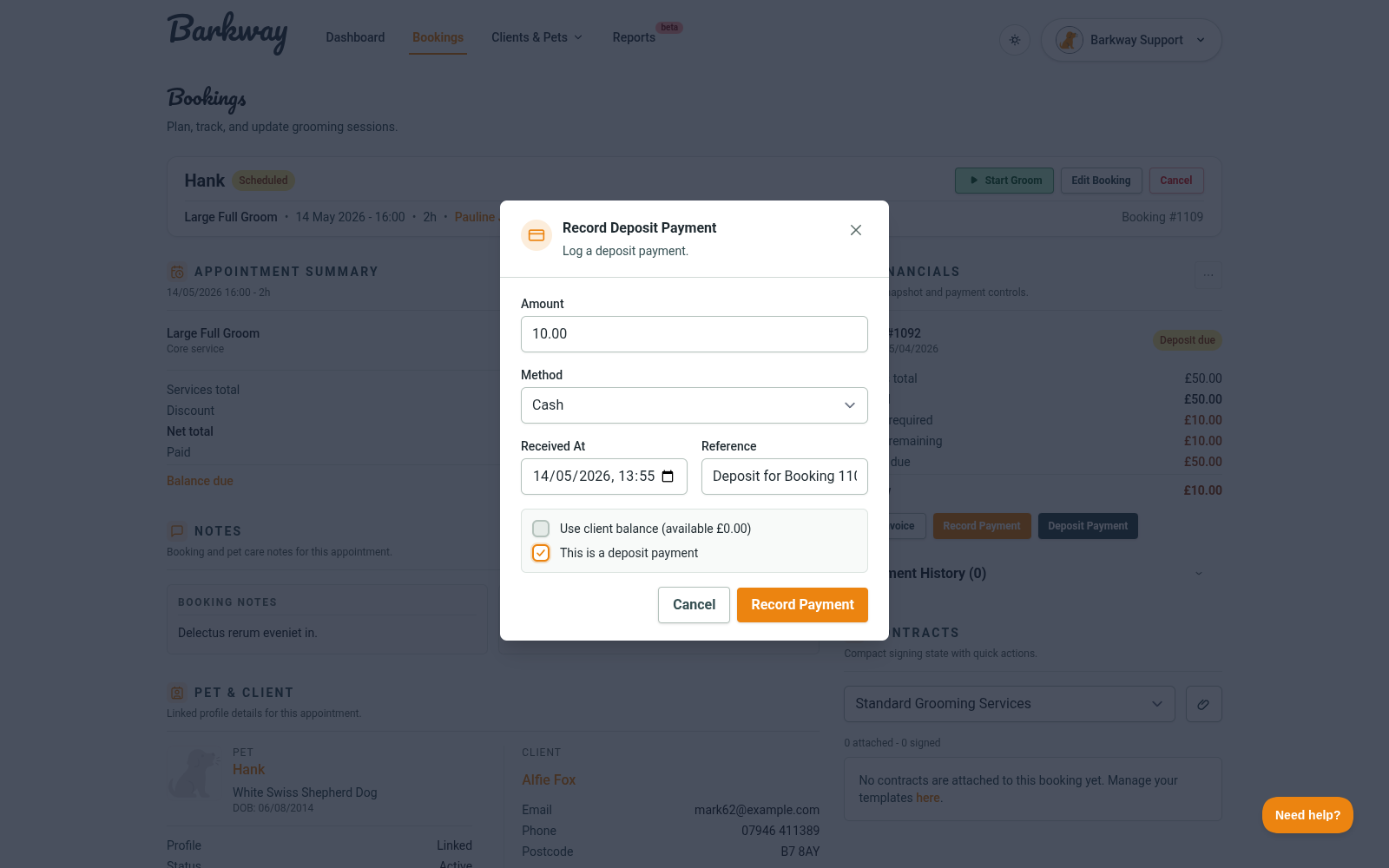
- On a new booking, turn on Take deposit now. On an existing booking in the edit flow, click Take Deposit Now.
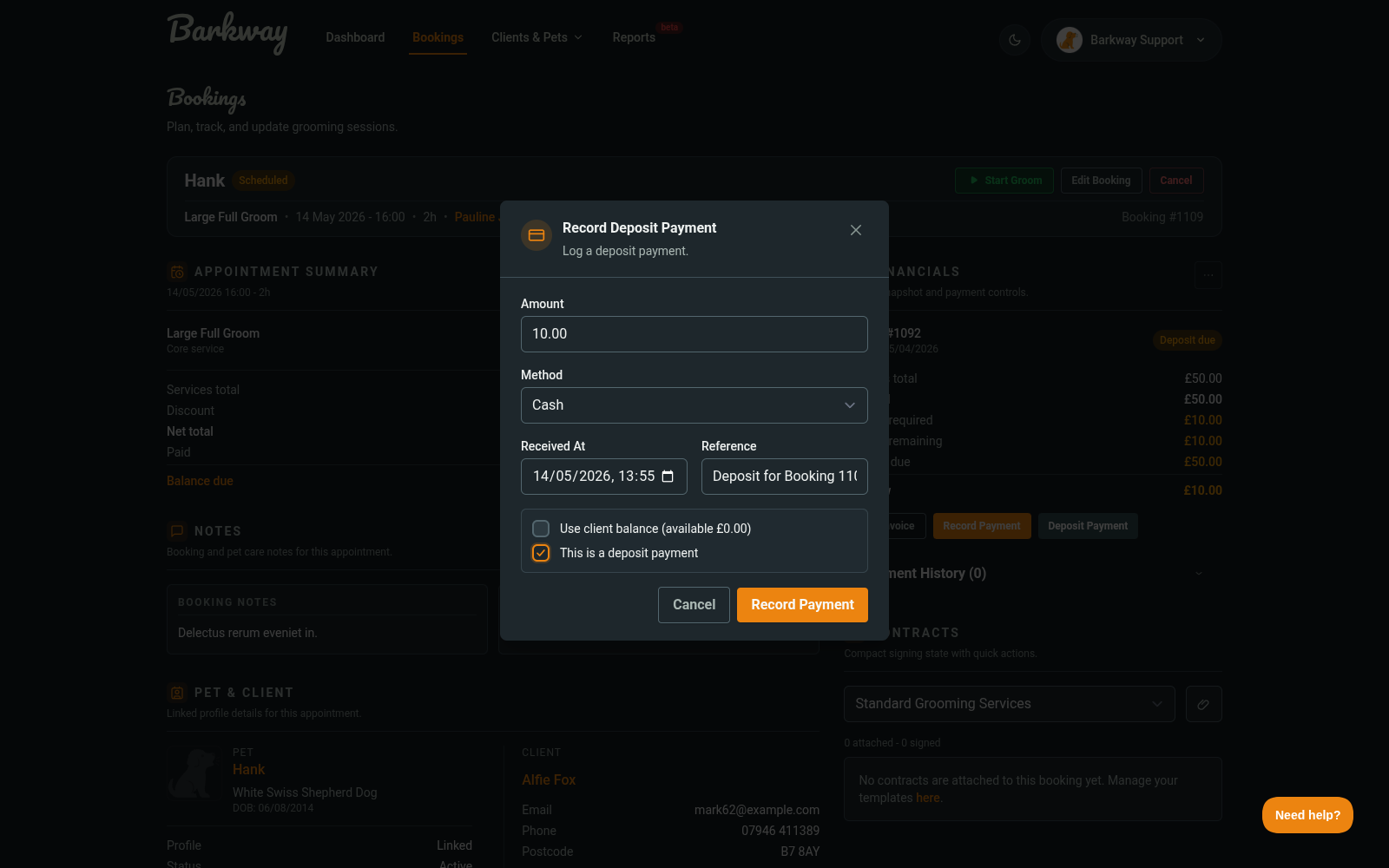
- Enter the amount, choose a method, and set Received at.
- (Optional) toggle Use client balance if you want to apply a balance instead of taking new money.
- Save the payment, then finish saving the booking if needed.
What if deposits are required?
If Allow deposits is enabled in Settings, Barkway calculates a required deposit from your default amount (fixed or %). You can still decide when to collect it, but the booking will show the deposit as unpaid until it’s recorded.
Can I take deposits on unavailable bookings?
No. Unavailable bookings can’t take deposits.
Using client balance instead
- If the client has a client balance, you can apply it here.
- Barkway caps the amount so you can’t use more than the balance or the deposit required.
🐾 Deposits keep your diary protected and your cash flow smoother.
Need a hand?
Email the Barkway team and we’ll point you to the right place.