Add your first client and pet
Every booking starts with a client (the human) and a pet (the dog, cat, or even that one brave soul who brings a snake).
Let’s add your first one so you’re ready to book straight away.
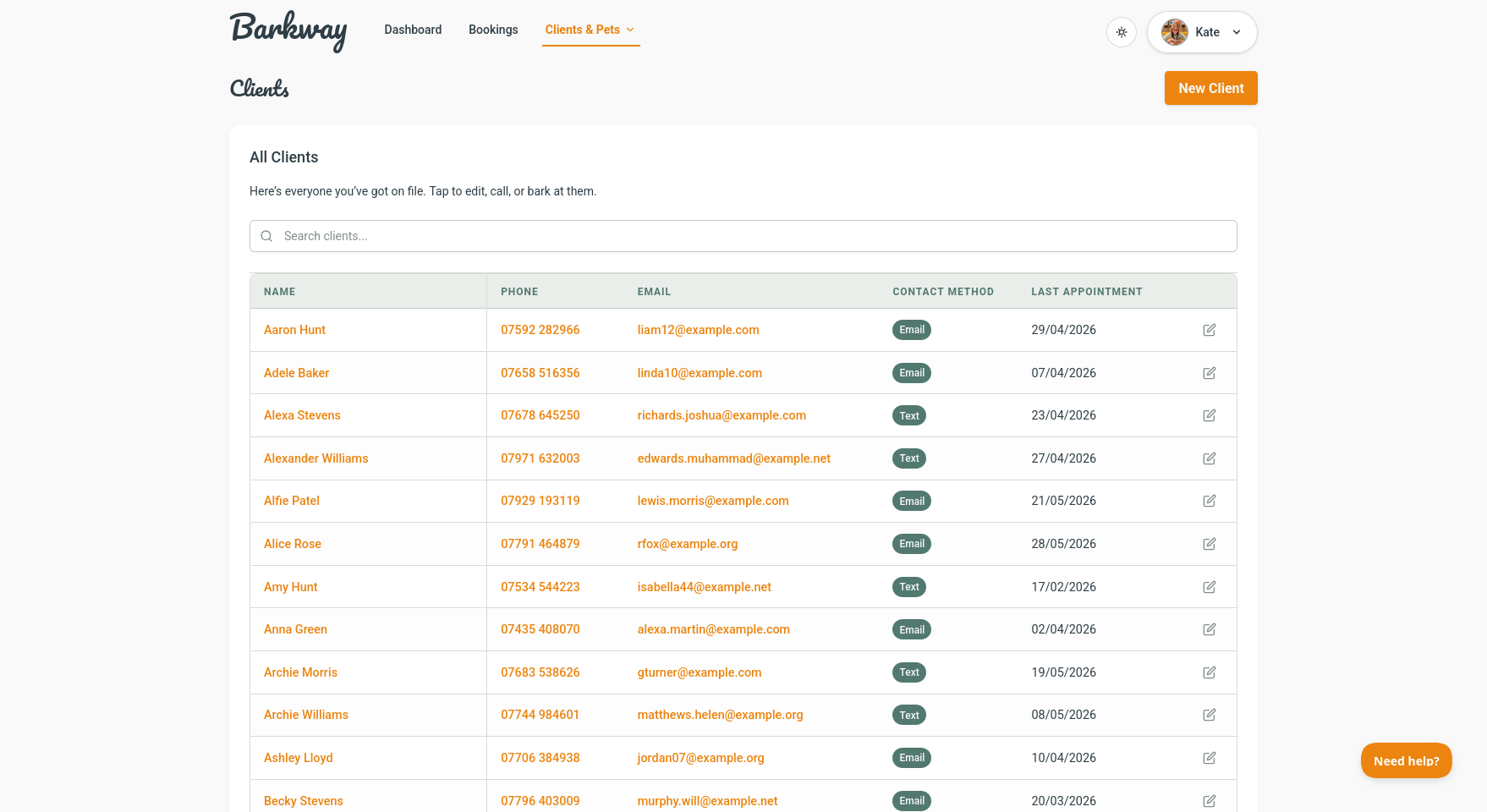
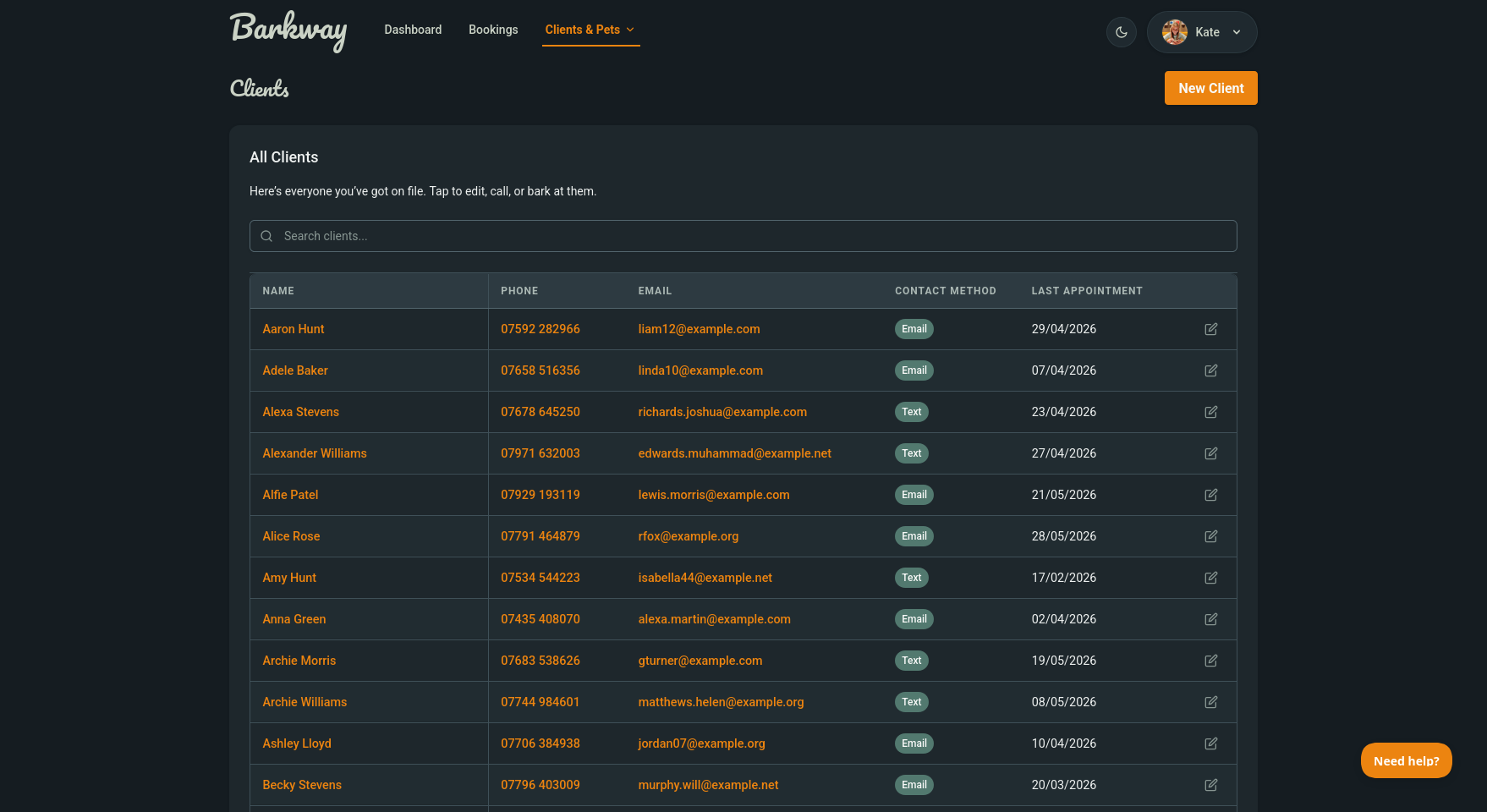
Create a client
- Click New Client on the Clients page.
- Fill in their name, email, and phone number.
- Set their preferred contact method (email or text).
- Click Save, or Save & Add Pet to speed things up.
note
SMS is not live yet and is not a priority right now, but saving a preferred contact method helps for future updates.
Add a pet
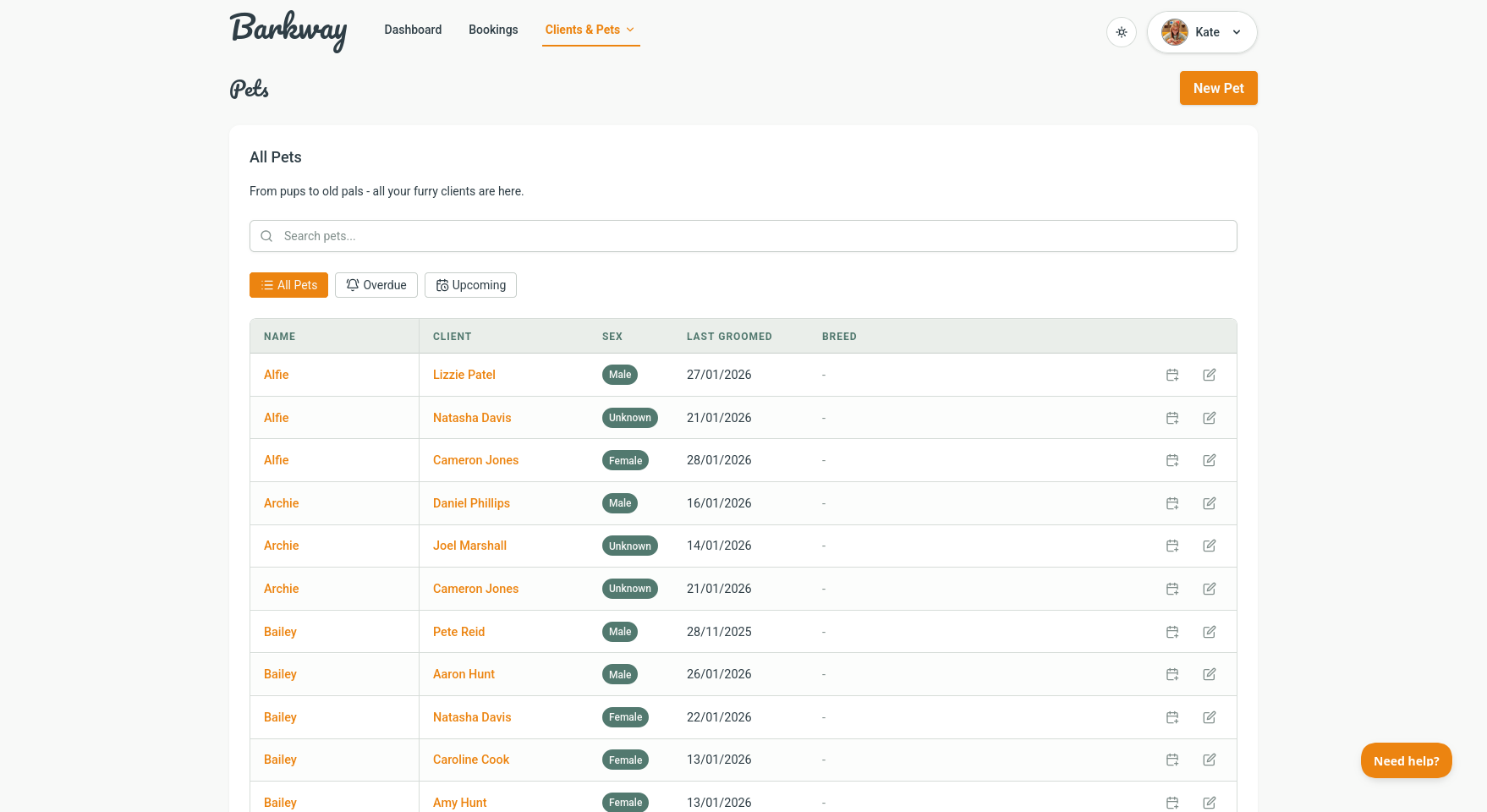
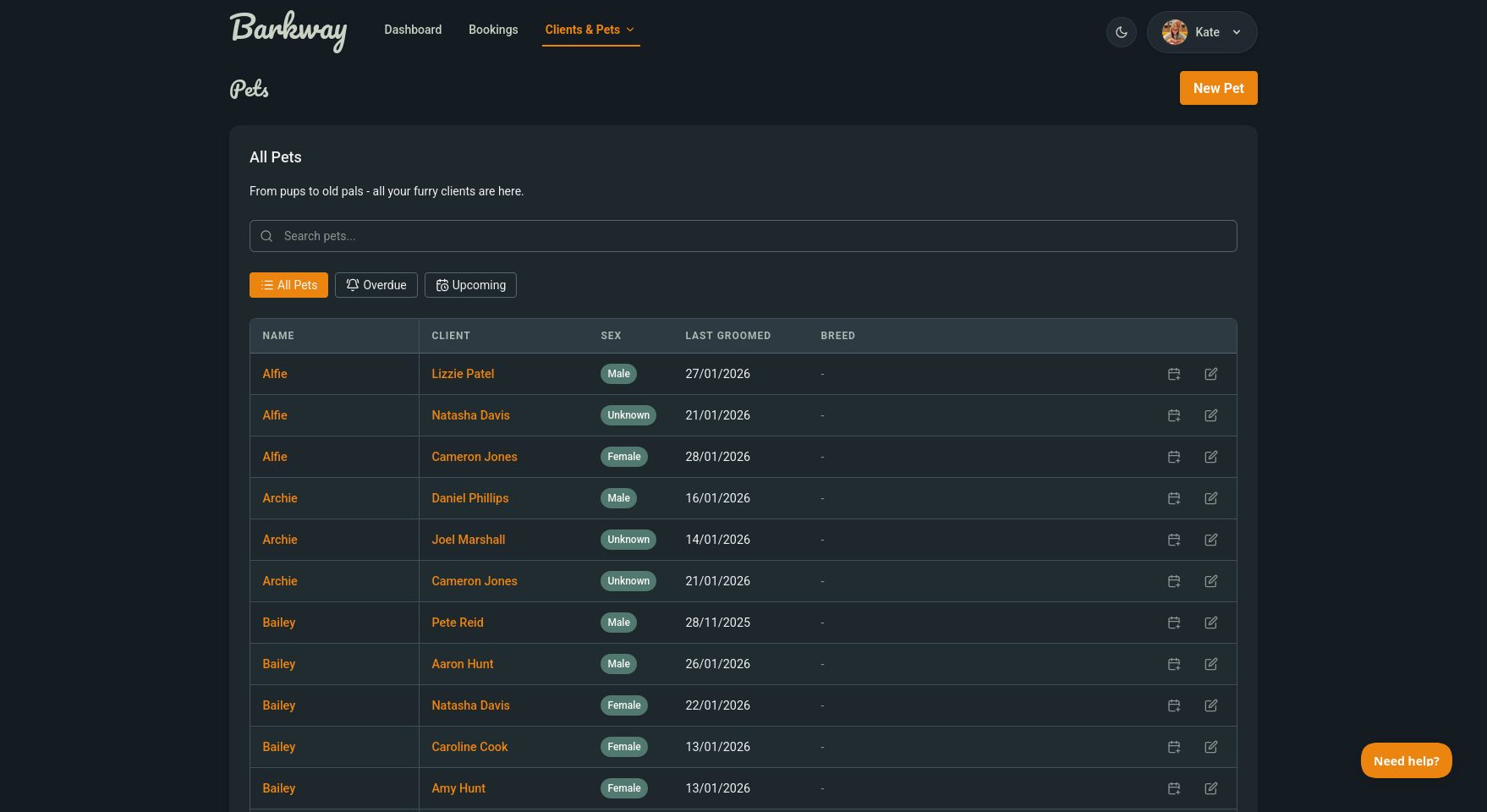
If you just hit Save, you can add a pet from Pets.
- Click New Pet.
- Enter the pet’s name, breed, age, and temperament.
- Add health notes (allergies, vet info) so you’ve got them to hand.
- Upload a photo if you have one.
- Save.
tip
Use Save & Add Pet directly from the New Client screen. Perfect for walk-ins.
Why it matters
- Client and pet records keep everything organised.
- Notes like temperament or vet details save you from awkward surprises.
- Photos make it easier to match names to faces (and furry faces).
Next step
With at least one client and pet saved, you’re ready for the fun part: making your first booking! 🎉