Set up your services
Services are the backbone of every booking. They tell Barkway how long an appointment takes and how much to charge — once you’ve added them, the calendar and invoices pretty much run themselves. ✂️
Add your first service
- Open the user menu, then go to Manage → Services.
- Click New service.
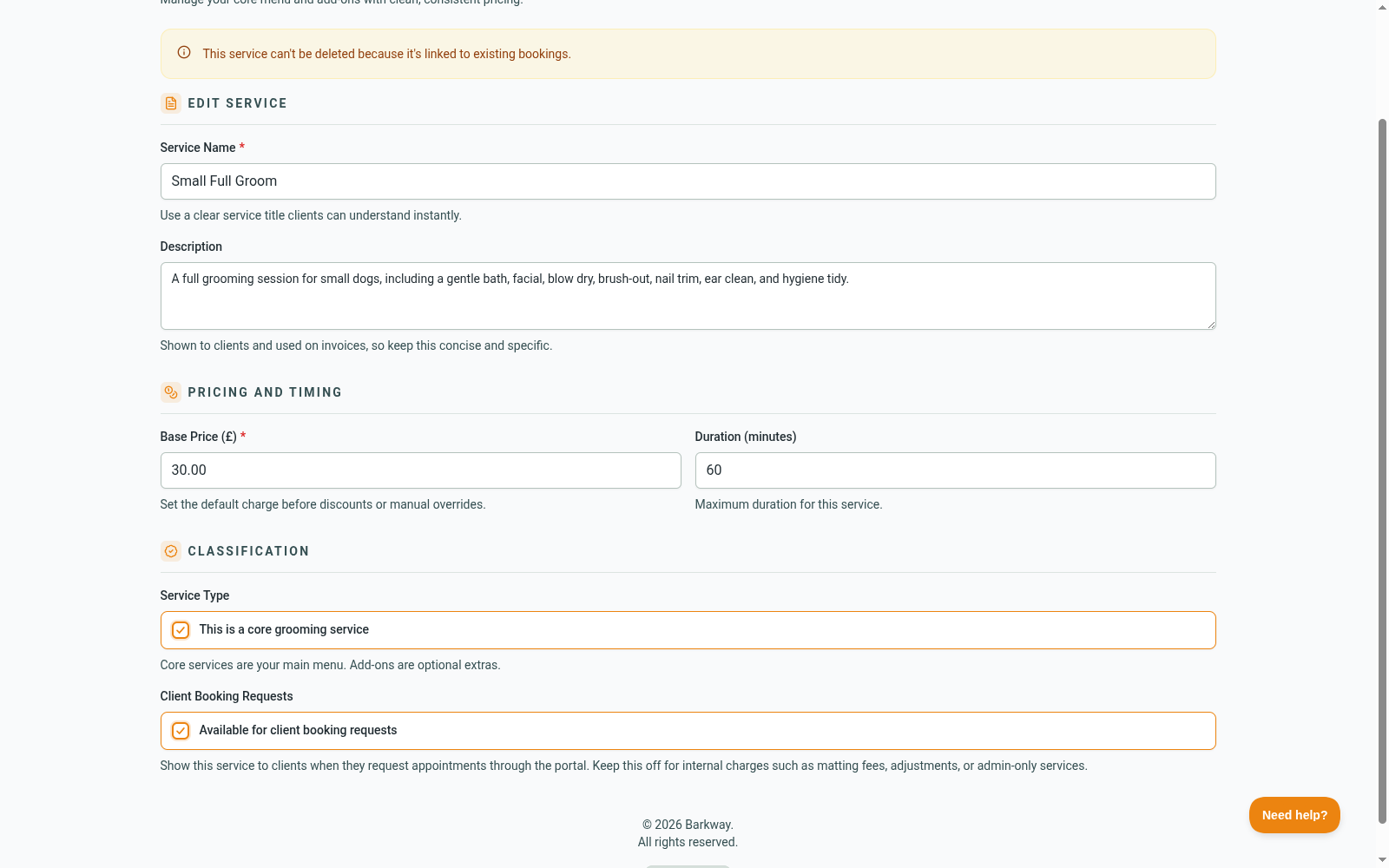
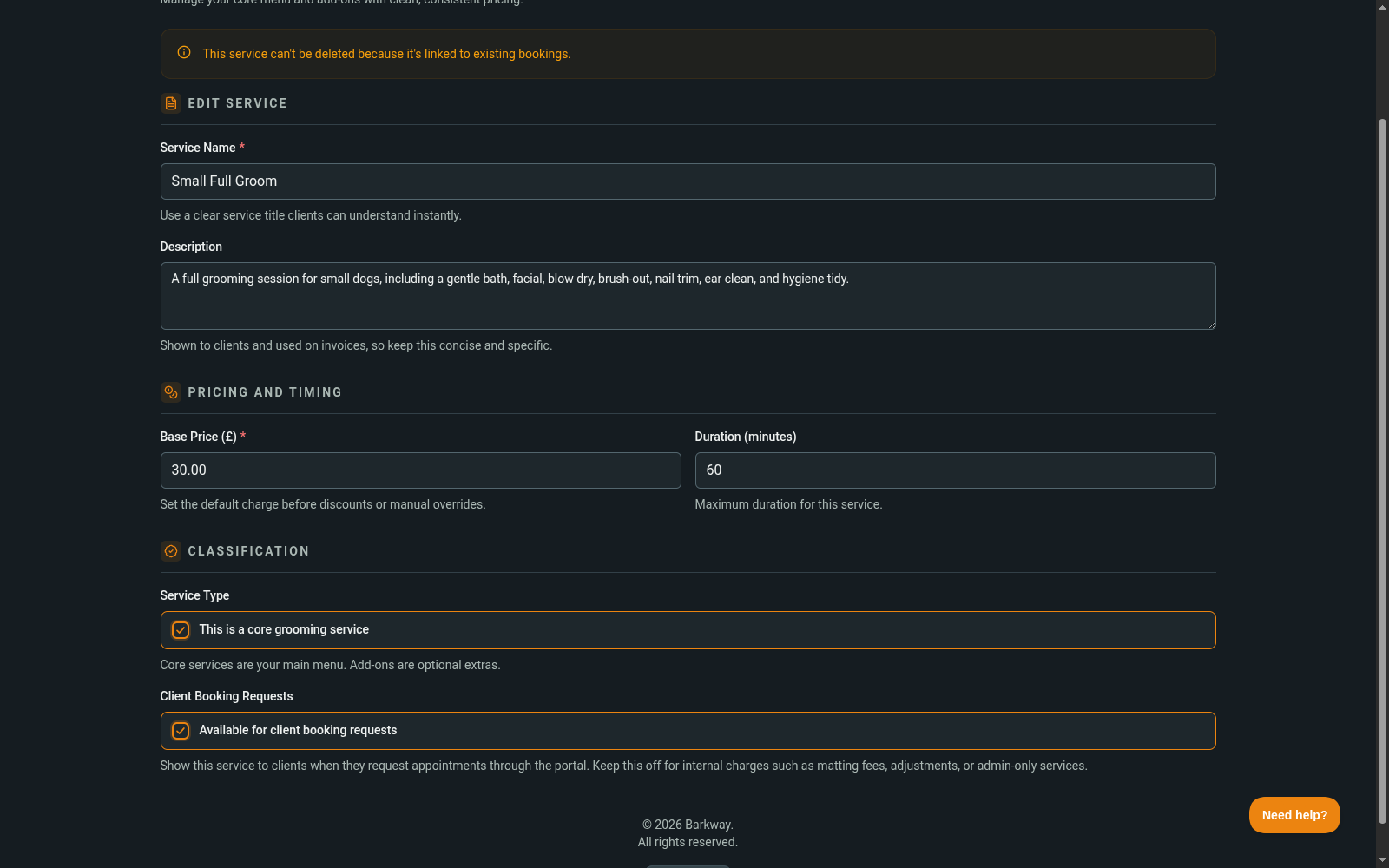
- Enter a clear name, price, and duration.
- Choose whether it’s a core service.
- Save.
Good practices
- Keep names simple and obvious, like Small - Full groom or Nail clip.
- If your prices vary by size, create separate services so invoices stay clear.
- Barkway starts you with a starter template of services. Edit, rename, or delete anything you don’t need.
Add-ons and extras
Add-ons are just services that aren’t marked as core. You can:
- Create a service with a price and duration of 0 for optional extras.
- Add extra time charges as separate add-ons if needed.
You don’t need a service like “Other” to block out time. To mark time as unavailable, just leave the pet blank when creating a booking. See Creating a booking.
Deleting services
A service can’t be deleted if it’s already linked to bookings. This protects your booking history and invoices.
Why it matters
Once your services are set, Barkway will:
- Calculate booking durations automatically.
- Show accurate totals on invoices.
- Apply discounts and deposits without you touching a calculator.
Next steps
If you haven’t made your first booking yet, head to Your first booking.
Otherwise, you’re ready to explore Features and keep working.
Keep going
Jump to the next guide or browse related features when you’re ready.