Your first booking
This is the big one - your very first booking in Barkway. 🎉
Let’s walk through it step by step so you can see how quick (and painless) it really is.
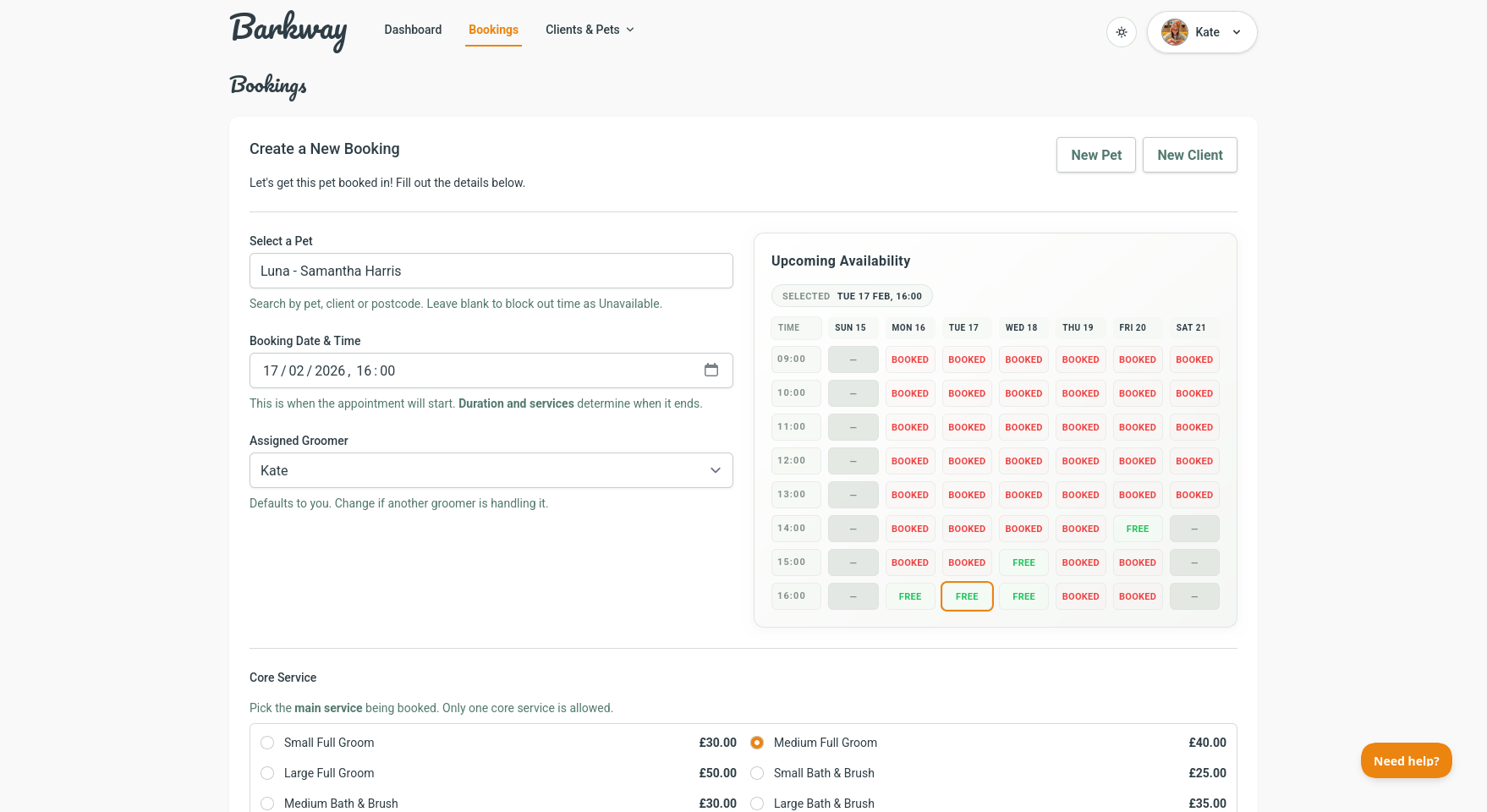
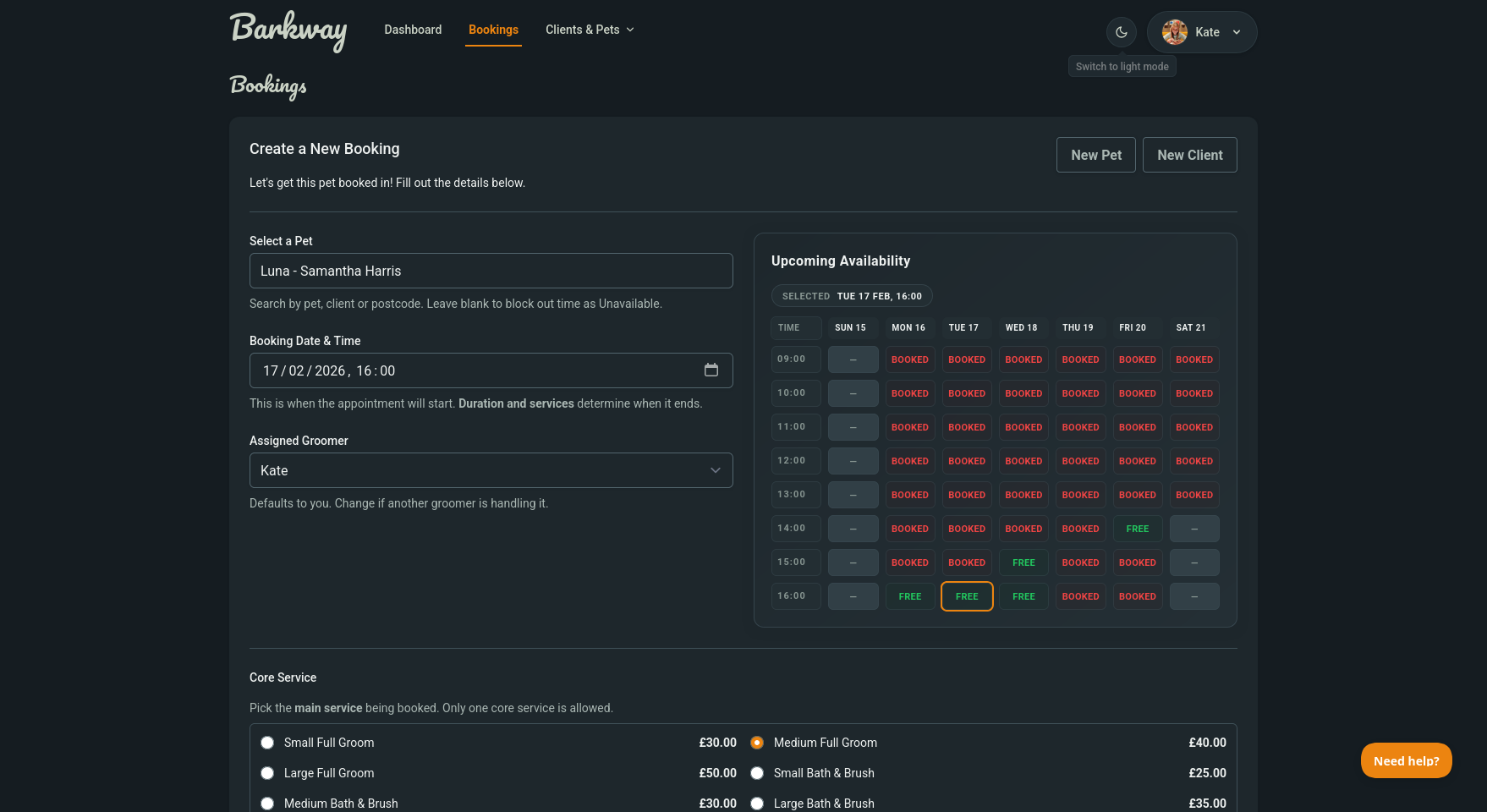
Create a booking
- From the top navigation, click New Booking.
- Choose the pet (or leave blank to mark time as Unavailable).
- Add a core service (required) and any add-ons.
- Pick the date and time slot. Barkway checks for clashes.
Deposits and discounts
- If deposits are enabled, Barkway shows the required deposit based on your settings.
- You can record the deposit now or later.
- Add a discount as a fixed amount or percentage.
tip
Barkway handles the maths for fixed or percentage discounts automatically.
Notes
- Add any special instructions (like “nervous dog, allow extra time”).
- Notes stay with the booking and are easy to update later.
Status
- New bookings start as Scheduled.
- You can update them to In progress, Completed, or Cancelled from the View Booking screen.
Why it matters
- Keeps your calendar organised.
- Totals and timings are handled automatically.
- Deposits and discounts are applied cleanly once you record payment.
Next step
With your first booking saved, you’re officially up and running in Barkway. Either have a play around and figure things out (we promise it's easy) or dive into the Features and become a Barkway expert in no time.
Need a hand?
Email the Barkway team and we’ll point you to the right place.