Creating a booking
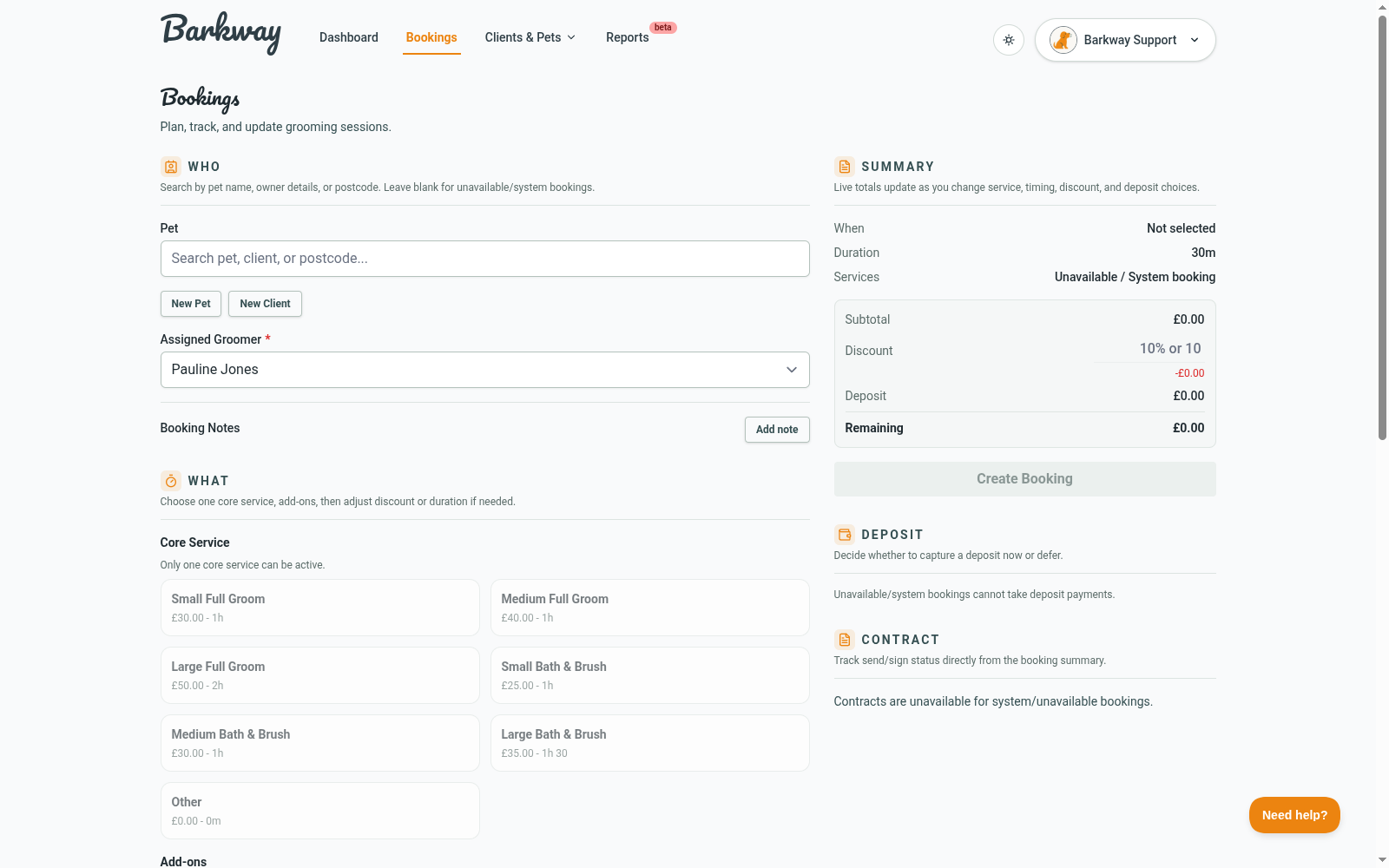
Bookings are the heartbeat of Barkway - it’s where pets, clients, and services all meet. Here’s how to get one set up in just a few clicks (and maybe a tail wag or two).
Step-by-step
-
Click New Booking
From Dashboard or Bookings, hit New Booking. -
Choose the pet
Pick the pet you’ll be grooming. If the pet or client doesn’t exist yet, use the New Pet or New Client shortcuts in the Who step.tipLeave the pet blank if you want to block out time as Unavailable.
-
Pick the date and time
Select when the appointment should start. Barkway checks your opening hours and existing bookings as you go. -
Assign the groomer
By default, it uses you. If you have multiple users, you can switch groomer here. -
Select services
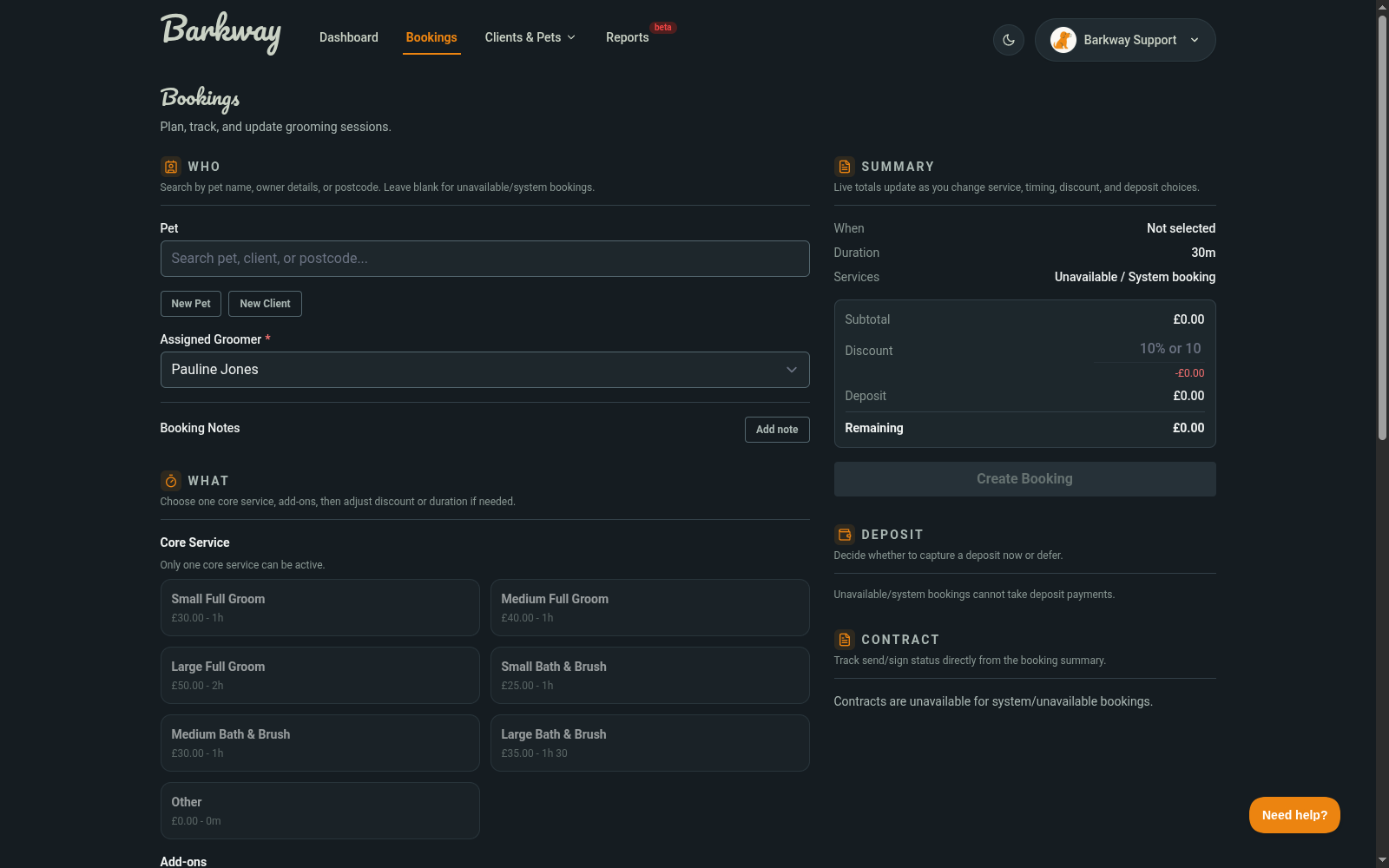
Choose a core service (required) and any add-ons. Barkway calculates the total and updates the duration.
-
Add a discount (optional)
You can enter a fixed amount (like10) or a percentage (like10%). -
Record a deposit (optional)
If deposits are enabled, Barkway shows the required deposit based on your settings. You can record it now or later. -
Save the booking
Hit Create Booking and the booking appears in your schedule.
What happens if my time clashes?
If the slot overlaps another booking or breaks your opening hours, Barkway suggests the next available time. You can accept it with one click or pick a different slot.
Do clients get a confirmation?
Not automatically. Barkway only sends reminders and thank-you emails if you enable them in Settings → Communication.
SMS reminders are not live yet and are not a priority right now. We plan to add them later as a paid add-on.
What happens to the invoice?
An invoice is created when you save the booking. If you edit the booking later, Barkway refreshes the invoice to match the latest services and prices.
What happens if I take a deposit before finishing the booking?
If you choose Take deposit now before the booking is fully saved, Barkway creates a hidden draft booking so you can record the deposit. When you finish and save, the draft becomes a normal booking.
If the booking never gets finished, the draft is cleaned up after about 72 hours, and any deposit is credited to the client’s balance.
Extra features you might miss
-
Unavailable slots
Leaving the pet blank creates an Unavailable booking for that groomer. -
Notes
Add booking notes now, then adjust pet notes later from the View Booking screen.
🐾 With that, you’re ready to start booking like a pro.
Need a hand?
Email the Barkway team and we’ll point you to the right place.